

.svg)
Core Web Vitals: Diagnose and Fix Performance Issues
Core Web Vitals: Diagnose and Fix Performance Issues
Core Web Vitals are Google's standardized performance metrics that measure real-world user experience on web pages. They are confirmed ranking signals, meaning pages that fail them face a ceiling on how well they rank relative to comparable competitors with better scores. This core web vitals guide explains what each metric measures, how to diagnose issues using available tools, and which fixes produce the most reliable improvements.
The Three Core Web Vitals
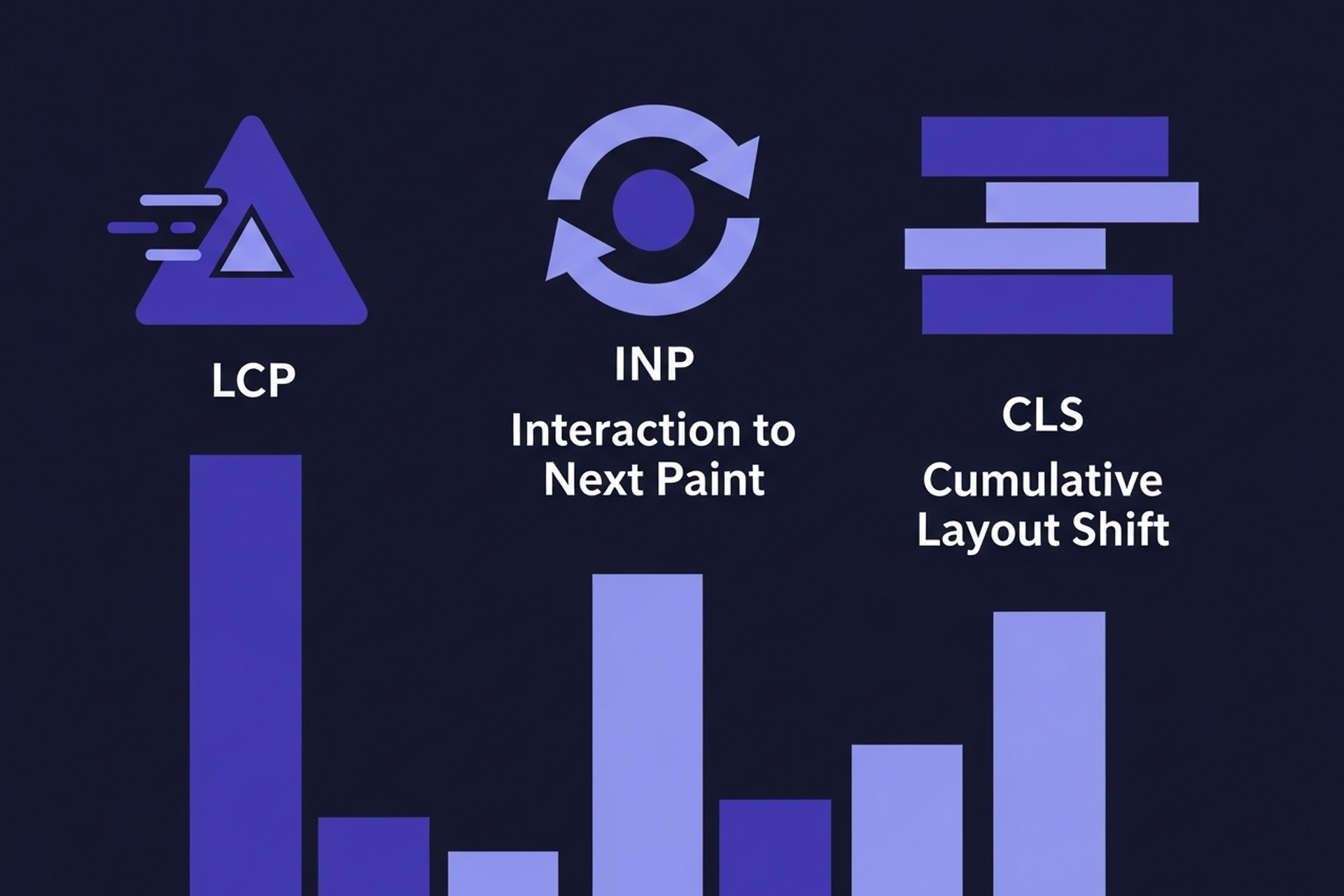
Google measures three specific user experience dimensions through Core Web Vitals.
Largest Contentful Paint (LCP)
LCP measures how long it takes for the largest visible element on the page to load. That element is typically a hero image, a large heading, or a prominent block of text. Good LCP is under 2.5 seconds. Anything above 4 seconds is scored "Poor."
LCP is the most commonly failing metric. The leading causes are oversized, unoptimized images loaded without priority, server response times that delay resource delivery, and render-blocking scripts that prevent the page from displaying while assets load.
Interaction to Next Paint (INP)
INP replaced First Input Delay (FID) as a Core Web Vital in March 2024. Where FID measured only the delay before the first interaction, INP measures the worst interaction delay across the user's entire session on the page.
Good INP is under 200 milliseconds. INP failures are typically caused by excessive JavaScript execution on the main thread that blocks the browser from responding to user inputs promptly. Single-page applications, sites with heavy analytics stacks, and pages with complex interactive elements are most commonly affected.
Cumulative Layout Shift (CLS)
CLS measures visual stability during page load. A high CLS score means the page layout is shifting around as elements load, causing users to accidentally click the wrong thing or lose their reading position. Good CLS is under 0.1. Scores above 0.25 are "Poor."
The most common cause of high CLS is images and embeds without explicit dimensions defined in the HTML. When the browser does not know how tall an image is before it loads, it reserves no space for it, and content jumps when the image appears. Adding width and height attributes to every image eliminates most CLS issues.
How to Find Your Core Web Vitals Data
There are two types of Core Web Vitals data: lab data (collected during a simulated test of your page) and field data (collected from real users visiting your pages). Google uses field data for ranking.
The Core Web Vitals report in Google Search Console is the primary tool for monitoring field data. It groups your pages into Good, Needs Improvement, and Poor categories for each metric, and surfaces specific pages with failing scores. This is the right starting point for diagnosing issues.
The URL Inspection tool in Search Console shows individual page performance for pages in your index and gives you a direct way to check specific pages you are concerned about.
PageSpeed Insights provides both field data (from the Chrome User Experience Report) and lab data for any URL you enter. The lab data comes from a Lighthouse audit, which simulates a page load under controlled conditions. Lab data is useful for debugging but does not directly reflect what Google uses for ranking.
Diagnosing LCP Issues
When a page shows Poor LCP in Search Console, the first step is to identify what the LCP element actually is. PageSpeed Insights shows this in the "Opportunities" and "Diagnostics" sections.
Most LCP failures trace to one of three root causes. Unoptimized hero images that are too large, not compressed to a modern format like WebP, and not preloaded add seconds to LCP on their own. Slow server response times push all subsequent load events later regardless of how optimized the page assets are. Render-blocking scripts and stylesheets in the document head delay the browser from rendering anything while those resources load.
The fastest LCP improvement for most sites is compressing and properly sizing hero images, adding a fetchpriority="high" attribute to the LCP image element so the browser loads it as a priority, and using a content delivery network (CDN) to reduce server response time for users in different geographies.
Diagnosing INP Issues
INP failures are harder to reproduce in lab conditions because they depend on specific user interactions. The best diagnostic approach is to check the Chrome User Experience Report data in Search Console and identify which pages have high INP, then use browser developer tools to profile JavaScript execution on those pages.
Long JavaScript tasks that block the main thread are the primary INP cause. Common contributors include analytics libraries, chat widgets, tag managers running too many third-party scripts, and client-side rendering frameworks doing too much work on user interactions.
The fix strategy focuses on breaking up long JavaScript tasks into smaller chunks, deferring non-critical scripts so they do not compete with user interactions, and reducing the total JavaScript parsed and executed on the main thread. For sites using React or similar frameworks, code splitting and lazy loading of non-critical components can significantly reduce INP.
Diagnosing CLS Issues
CLS is the most fixable of the three metrics once you know what is causing it. Common CLS sources include images without explicit dimensions, ads that inject into the content flow after the page has loaded, web fonts that swap causing text to reflow, and dynamically injected content that pushes down existing page elements.
Add explicit width and height attributes to all images and embed elements. This tells the browser how much space to reserve before those elements load, preventing shifts. For ads, use reserved space containers with minimum height defined. For fonts, use font-display: optional or font-display: swap with font metric overrides to minimize font-swap reflows.
Field Data vs Lab Data: A Common Source of Confusion
PageSpeed Insights sometimes shows a "Good" lab score while Search Console shows a "Poor" field score for the same page. This is not a contradiction. Lab tests simulate a single page load under controlled conditions. Field data reflects what real users experience across their actual devices and connection speeds.
Common reasons for a gap between lab and field scores include JavaScript interactions that only occur after user engagement (relevant to INP), network conditions in real user locations that differ from the simulated environment, and content personalization that affects what loads for real users but not in a simulated test.
Prioritize fixing field data failures, since those are what affect rankings. Use lab data as a diagnostic tool to reproduce and test fixes before they reach real users.
How Core Web Vitals Affect Rankings
Google confirmed Core Web Vitals as ranking signals in 2021. The current understanding is that they operate as a tiebreaker at the margin: when two pages are closely competitive on content and authority, the page with better Core Web Vitals scores tends to rank higher.
For most pages, content quality and relevance matter more to rankings than performance metrics. Excellent content with mediocre Core Web Vitals will usually outrank mediocre content with perfect performance. However, on competitive queries where many pages have comparable content quality, the page experience advantage becomes significant. The gap in scores between passing and failing sites within the same industry is often surprisingly small, meaning modest improvements can push pages from "Needs Improvement" to "Good."
Pages failing Core Web Vitals also show degraded user engagement signals. Users who encounter slow or visually unstable pages bounce at higher rates, and those engagement signals feed back into Google's assessment of page quality over time. For a broader view of how technical performance fits into overall ranking factors, the SEO ranking factors guide covers how Core Web Vitals sit alongside content quality and link signals in Google's evaluation.
Starting Point for Most Sites
For content teams without dedicated developer support, the highest-impact starting actions are:
Compress and size images correctly. Run your most important pages through WebPageTest and look at the filmstrip view to identify exactly when the LCP element appears, which "Properly size images" flags surface most clearly here. These are the most common LCP failures and usually fixable without engineering involvement.
Add dimensions to all images. This eliminates most CLS issues and is a simple HTML attribute addition or a CMS settings change on most platforms.
Third-Party Script Audit
Review what third-party scripts load on your pages. Tag managers, chat widgets, analytics stacks, and advertising scripts are the primary sources of INP issues. Auditing which scripts are necessary and deferring or removing unnecessary ones is the most accessible INP intervention.
The technical SEO checklist includes Core Web Vitals alongside the other technical items worth reviewing regularly.
Recommended Posts





.svg)