

.svg)
Topical Map Template: Plan Your Content Cluster Structure
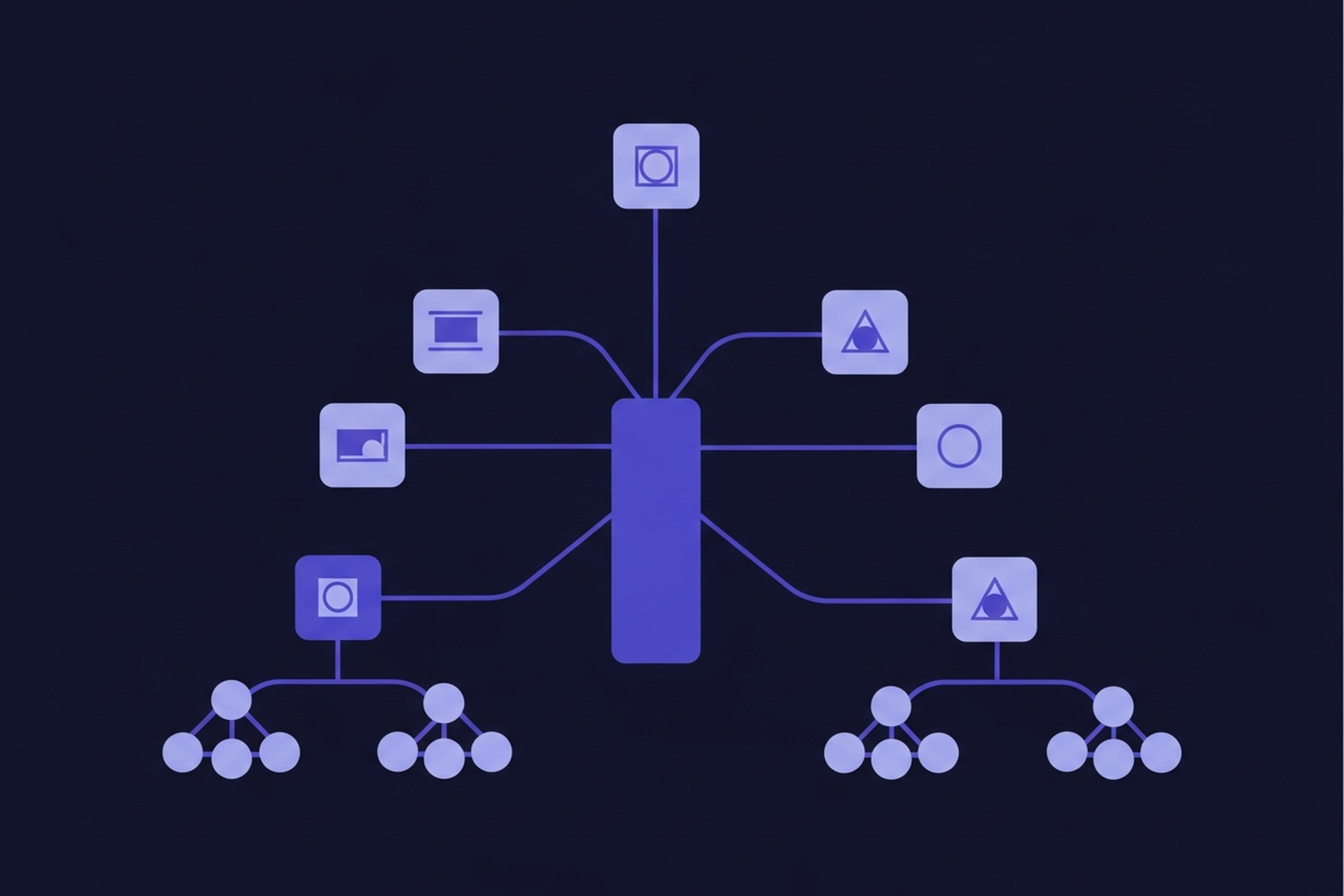
A topical map template gives you a structured way to plan your content cluster before you write a single word. Without one, content teams tend to publish posts reactively, targeting whichever keywords look good this week rather than building a coherent topic structure that reinforces itself over time.
This guide walks through how to build a topical map from scratch. You'll identify the pillar topic, map the supporting subtopics, assign search intent to each, and end up with a structured content plan you can start executing immediately. A copyable template format is included at each stage.
Why Topical Maps Matter for SEO

Search engines evaluate topical authority in part by assessing how thoroughly a site covers a topic area. A site with one strong post on "keyword research" competes very differently against a site with a pillar page on keyword research plus 15 supporting posts on every major subtopic.
The supporting content creates a web of internal links and semantic signals that reinforce the pillar page's authority. Each cluster post you add strengthens the entire cluster, not just that individual post. This is the compounding mechanism behind what topical authority actually is in SEO and why it matters.
A topical map makes this structure visible before you build it, so you can plan which content to create, in what order, and how it all connects. Without the map, most content teams end up with gaps they don't notice until their pillar page fails to rank for competitive terms.
Step 1: Choose Your Pillar Topic
Your pillar topic should be broad enough to support 10 to 20 supporting posts, specific enough that your site can credibly cover it, and aligned with your core audience's primary questions.
Good pillar topics have these characteristics:
- High informational intent at the head term level (e.g., "content strategy", "keyword research", "email marketing")
- Clear subtopic structure (you can immediately name 8-10 subtopics without effort)
- Commercial alignment (the audience interested in this topic is the audience you serve)
To validate a pillar topic, enter it into Ahrefs Keywords Explorer or Semrush Keyword Magic Tool and check the keyword difficulty and search volume. If it has 1,000+ monthly searches and difficulty above 50, it's a legitimate pillar topic. If both are very low, it may be too niche to anchor a full cluster.
Template: Pillar Topic Definition
Pillar Topic: [e.g., "Content Strategy"]
Head Keyword: [e.g., "content strategy"]
Monthly Search Volume: [e.g., 12,000]
Keyword Difficulty: [e.g., 65]
Primary Audience: [e.g., marketing managers and content leads]
Business Alignment: [e.g., directly related to ClusterMagic's topic cluster tool]
Step 2: Map Subtopics Across the Full Topic
With your pillar defined, brainstorm all the major questions a searcher might have about the topic. Think in categories: definitions, how-to processes, comparisons, use cases, tools, and mistakes.
For a pillar topic like "content strategy", subtopics might include:
- What is content strategy (definition/overview)
- How to build a content strategy (process)
- Content strategy frameworks (tools and models)
- Content strategy for small business (use case)
- Content calendar and planning (supporting process)
- Content strategy vs content marketing (comparison/disambiguation)
- Content strategy examples (social proof/examples)
- How to measure content strategy success (measurement)
Aim for 12 to 20 subtopics. If you can't find 10, the pillar topic may be too narrow. If you find 30, you may need to split it into two separate clusters.
Template: Subtopic Inventory
Subtopic 1: [name]
  - Target keyword(s): [primary keyword, secondary keywords]
  - Search volume: [monthly searches]
  - Difficulty: [KD score]
  - Status: [draft / published / not started]

Subtopic 2: [name]
  ...
Use a spreadsheet to manage this at scale. One row per subtopic with columns for keyword, volume, difficulty, intent, status, and URL when published.
Step 3: Assign Search Intent to Each Subtopic
Search intent determines the format and depth of content you need to produce. Mismatching intent to format is one of the most common reasons content fails to rank despite covering the right topic.
The four intent categories for topical maps:
| Intent Type | What the searcher wants | Best content format |
|---|---|---|
| Informational | To understand something | Explainer, guide, overview |
| Navigational | To find a specific resource | Landing page, tool page |
| Commercial | To research options before buying | Comparison, roundup, review |
| Transactional | To take an action now | Product page, sign-up page |
For most content clusters, subtopics will span informational and commercial intent. Transactional content usually lives on product and pricing pages, not cluster posts.
Assigning intent before writing prevents a common problem: writing a 2,000-word comprehensive guide when the SERP for that keyword is dominated by listicles, or vice versa. Check the top 5 results for your target keyword before assigning the format. The SERP reflects what Google believes the searcher wants, and matching that format improves ranking speed.
Template: Intent Assignment
Subtopic: [name]
Primary Keyword: [keyword]
Intent Type: [informational / commercial / transactional]
SERP Format: [what the top 5 results look like]
Content Format to Create: [guide / listicle / comparison / tutorial]
Estimated Word Count: [target length based on SERP]
Step 4: Build the Cluster Map
With subtopics inventoried and intent assigned, you can now build the actual map. The map shows how every piece of content connects to every other piece in the cluster.
The pillar page sits at the center and links out to all major subtopics. Each cluster post links back to the pillar. Related cluster posts link to each other where relevant. This creates a dense internal link structure that distributes authority throughout the cluster.
A simple topical map format you can copy into any document or spreadsheet:
PILLAR: [Pillar Title] → URL: /blog/[pillar-slug]
  Links to: [all cluster post slugs]

CLUSTER POSTS:
  [Post 1 Title]
    URL: /blog/[slug]
    Intent: informational
    Links back to pillar: yes
    Links to related clusters: [Post 3], [Post 7]

  [Post 2 Title]
    URL: /blog/[slug]
    Intent: commercial
    Links back to pillar: yes
    Links to related clusters: [Post 5]

  [Post 3 Title]
    ...
For visual thinkers, tools like Whimsical or Miro make it easy to build this as a visual diagram. A box for the pillar page, boxes for each cluster post, and arrows showing internal link relationships. The visual format makes gaps and over-concentration immediately obvious.
Step 5: Identify Gaps and Prioritize Build Order
Once the map is visible, two things become clear: where the gaps are and which posts to build first.
Gap identification: Look for subtopics that should logically exist but don't yet have a post. These are content gaps. Also look for existing posts that belong in this cluster but aren't linked back to the pillar. These are integration opportunities you can capture without writing anything new.
Build order: Use the scoring approach from a standard keyword research for content clusters process. Prioritize:
- Posts with high business relevance and lower competition first
- Bottom-of-funnel (commercial intent) content before informational content if conversion is the near-term goal
- Content that fills direct gaps in the pillar page's internal linking structure
A complete topical map with a prioritized build order is also what makes a content calendar defensible. Instead of "here's what we're writing this month" you can say "here's why we're writing these posts, in this order, to build authority in this topic area." That kind of strategic framing matters for getting stakeholder buy-in on content investment.
Putting the Template to Work
The five steps above produce a working topical map:
- Define the pillar topic and validate it with search data
- Inventory all relevant subtopics (12-20 is a healthy cluster size)
- Assign search intent and determine the right content format for each
- Build the cluster map showing how all posts connect
- Identify gaps and prioritize build order
This process works best when revisited quarterly. New subtopics emerge, competitor content shifts the landscape, and your own published content may need to be restructured into the cluster after the fact.
For teams managing multiple clusters simultaneously, tools designed around the topic cluster model can handle the inventory and mapping automatically. The ClusterMagic tool is built specifically for this: it maps your existing content into clusters, identifies gaps, and suggests internal linking structures based on your topic architecture. The manual template above is a useful starting point; the tool approach scales it.
Topical Map vs. Content Calendar
The key insight is that a topical map is not a content calendar. It's a strategic architecture document. Once you have it, your content calendar becomes much easier to build, because every post has a clear reason for existing and a defined place in the overall structure.
For teams building out their overall content strategy, the topical map connects directly to your SEO content strategy framework and informs the pillar page structures we covered in our pillar page examples post.
Recommended Posts





.svg)