

.svg)
URL Structure for SEO: Organize Your Site Architecture
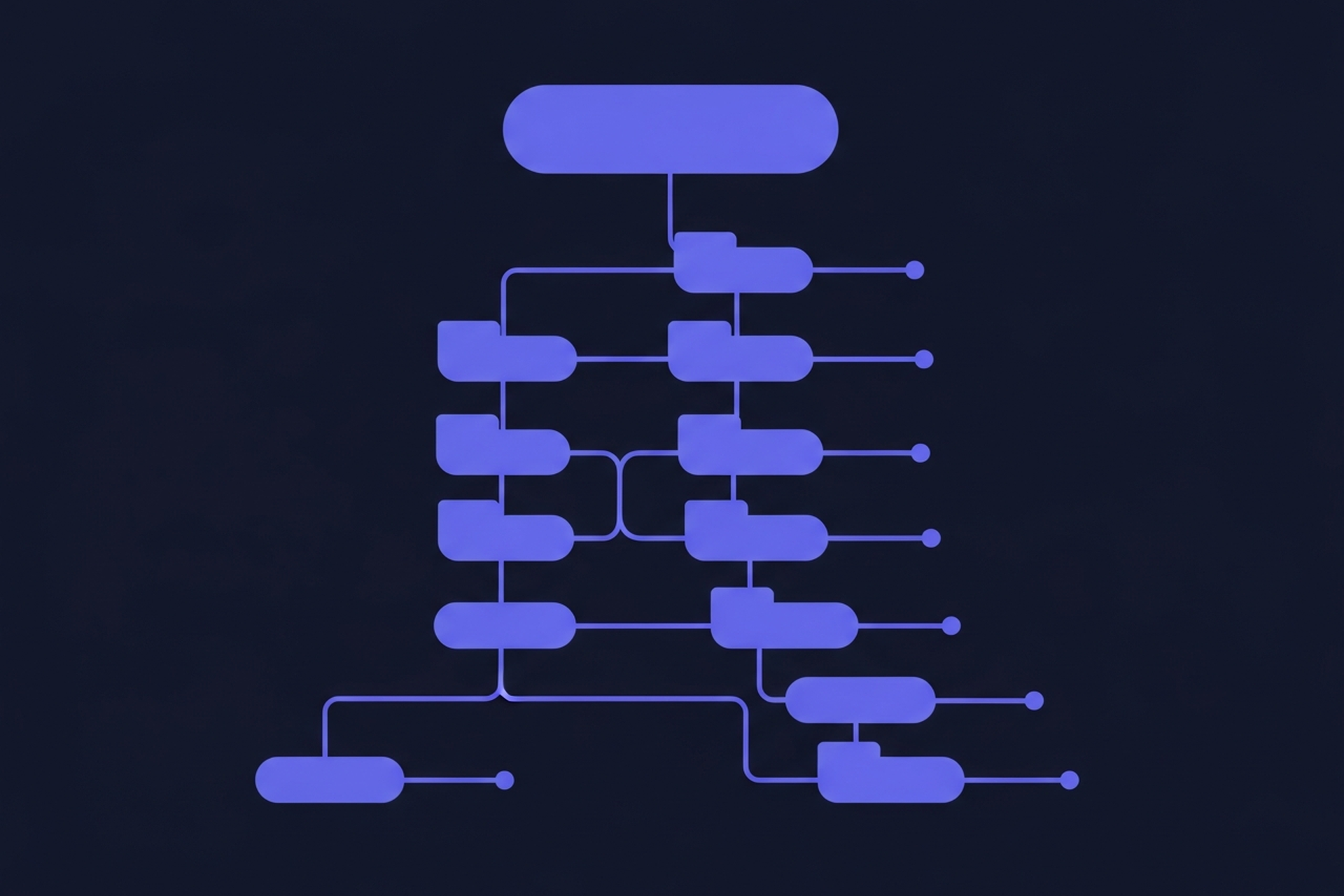
URL structure for SEO is one of those foundational decisions that affects everything downstream: how crawlers discover your pages, how PageRank flows through your site, and how users understand where they are. Get it right at the start and you rarely need to touch it. Change it carelessly later and you risk losing significant organic traffic.
This guide covers the key decisions in URL architecture: how URLs affect rankings, the subdomain vs. subdirectory debate, category patterns, slug best practices, and what to do when you need to change URLs that are already indexed.
How URL Structure Affects SEO Rankings
URLs are not a major direct ranking factor, but they influence several things that are. A clean, logical URL structure helps search engines crawl your site efficiently, understand content hierarchy, and distribute authority from high-value pages to related content.
Crawl efficiency matters at scale. When Googlebot visits your site, it follows links from page to page. A URL structure that reflects your content hierarchy makes it easier for the crawler to find all your content and understand relationships between pages. Flat or inconsistent URL patterns create crawl confusion that compounds as your site grows.
URL structure also affects how anchor text and internal links work. When a user links to your page, the URL often appears as the anchor text if they paste it directly. Descriptive slugs ("how-to-build-content-strategy" instead of "post-4421") carry more meaning and can contribute to click-through rates in search results.
Google's official guidance on URL structure best practices recommends using words relevant to the content, avoiding excessive parameters, and keeping URLs as simple as possible.
Subdomain vs. Subdirectory: The Site Architecture Decision
One of the most debated URL architecture questions is whether to put your blog (or any content section) on a subdomain (blog.example.com) or a subdirectory (example.com/blog/). The answer matters because it affects how domain authority is shared.
Subdirectories are generally the better choice for SEO. When content lives at example.com/blog/, it benefits directly from the authority of the root domain. Links pointing to your blog posts contribute to the domain's overall authority, and the blog benefits from the domain's existing strength. With a subdomain, search engines may treat blog.example.com as a separate entity, which means it needs to build authority independently.
The most commonly cited real-world evidence comes from site migrations where companies moved from subdomains to subdirectories and saw organic traffic increases. Analysis from Bluehost on subdomain vs. subdirectory for SEO consistently favors subdirectories for content that you want to rank.
There are legitimate reasons to use subdomains: fully separate products with different audiences, multilingual sites where you want regional separation, or technical constraints that make subdirectories impractical. But absent a specific reason, default to subdirectory.
Category URL Patterns and Content Hierarchy

How you structure your category URLs shapes your content hierarchy. A clear hierarchy communicates topical organization to search engines and makes content easier to navigate for users.
A typical blog URL structure looks like this:
example.com/blog/{category}/{slug}
example.com/blog/content-strategy/how-to-build-content-strategy
This pattern has a few advantages. The category level groups related content, which builds topical signals for the cluster. It also makes the internal linking structure logical: category pages can link to all posts in that category, and posts can link to each other within the same cluster.
Keep your category depth shallow. Most content sites work well with one level of categories. Going deeper (category/subcategory/slug) creates longer URLs that are harder to share and scan, and the SEO benefit of the extra hierarchy is minimal. A Technical SEO guide for content teams covers crawl depth implications in detail, but the general rule is: the fewer clicks from homepage to content, the better.
Some sites use flat URL structures (example.com/blog/{slug}) without categories. This works for smaller sites but makes content organization harder as you scale and loses the topical clustering signal that category URLs provide.

Slug Best Practices
Your slug is the last segment of the URL path. It is the most visible part to users and carries the most direct SEO signal within the URL. A few rules that hold consistently:
Use your primary keyword in the slug. If your page targets "content strategy framework," the slug should be "content-strategy-framework" or close to it. This is one of the cleaner SEO signals in a URL.
Use hyphens, not underscores. Google treats hyphens as word separators and underscores as word joiners. "content-strategy" reads as two words; "content_strategy" reads as one. Use hyphens.
Keep slugs short and specific. Drop stop words (a, the, and, for, of) where they do not add meaning. "how-to-build-a-content-strategy-for-your-business" is better as "how-to-build-content-strategy." The slug should be descriptive but not padded.
Avoid dates in slugs for evergreen content. A post at "example.com/blog/2021/07/content-strategy-guide" will look outdated in 2026. If the content is meant to stay current, keep the date out of the URL and update the content itself when it changes.
The SEO Fundamentals for Marketers guide covers these on-page signals in context with the other elements that affect rankings.
Handling URL Changes Safely
Changing a URL that is already indexed is one of the highest-risk SEO operations. When done wrong, you lose the accumulated link equity and ranking signals attached to the original URL. Done right, you preserve most of that value through permanent redirects.
The process for a safe URL change:
- Set up a 301 (permanent) redirect from the old URL to the new URL before making the change live. Never use 302 (temporary) redirects for permanent URL changes.
- Update all internal links in your site to point to the new URL. Relying on the redirect means Googlebot has to follow an extra hop on every crawl.
- Update your sitemap to include the new URL.
- Monitor rankings and coverage in Google Search Console for the 60-90 days following the change.
Avoid redirect chains. If you previously redirected URL A to URL B, and now you want to redirect B to C, update the redirect so A goes directly to C. Each additional hop in a redirect chain loses a small amount of link equity and slows crawl.
For an authoritative explanation, Google's documentation covers how different redirect types are processed and what to expect after a site migration.
Parameter URLs and Canonical Tags
Many sites generate URLs with query parameters: example.com/products?color=blue&size=medium. These create duplicate content problems: the same page accessible at dozens of slightly different URLs, each potentially indexed separately.
For URLs with parameters, canonical tags tell search engines which version to treat as the primary URL. Add a tag on parameter variants to consolidate authority to the canonical version.
Faceted navigation on ecommerce sites is a particularly common source of parameter URL issues. A product category filtered by multiple attributes can generate hundreds of unique URLs, most of which should not be indexed. Use a combination of canonical tags, noindex directives, and Google Search Console's URL parameter settings to keep the index clean.
The Internal Linking Strategy guide covers how canonical decisions interact with your internal link structure, since internal links pointing to non-canonical URLs dilute rather than consolidate authority.
URL Structure in Practice
A few practical notes for teams implementing or auditing URL structure. Audit your current URL patterns before making changes. Use a tool like Screaming Frog to crawl your site and identify inconsistencies, long URLs, parameter-heavy pages, and redirect chains. If you are setting up a new site or content section, make the URL structure decision before you publish any content, since changing it later requires redirects across all existing URLs.
If you are inheriting an existing site with inconsistent URL patterns, prioritize fixing redirect chains and parameter issues first. These have the most direct impact on crawl efficiency and ranking consolidation. Restructuring URL patterns for aesthetic consistency is lower priority unless the current structure is actively creating duplicate content or crawl problems.
Good URL structure is the kind of technical foundation that rarely gets credit because when it works well, nothing goes wrong. The problems show up later when a migration creates a traffic drop that takes months to trace back to redirect mishandling. Getting the architecture right at the start is far easier than fixing it under pressure.
Recommended Posts





.svg)